A reading companion for Chrome

Developer preview / 01

Stay on the page.
Follow every word.

Listen to the passage you choose. Follow each word right where you found it. Leave the rest of the page exactly as it is.

Chrome 142+ · Linux-first
Private repository access + compatible TTS server required.

01 / The reading room

Your page. Your pace.

01Selected text → native panel → follow along.Real Chrome recording · 47 seconds

Choose Play to watch with sound. English captions and a transcript are available.

Recording notes & text alternative

Recorded in an isolated Chrome 148 session using the genuine unpacked extension, its authenticated local Chatterbox lab, and original neutral English text. The lab was connected before filming; no credentials are shown. This edited walkthrough shortens preparation waits and later playback, but retained scenes run at normal speed. Preparation took about 15 seconds in this take; this is not a latency benchmark or a gapless-playback promise.

Recording transcript

Brackets describe on-screen actions. Other lines are the recorded narration. This is an edited demonstration at normal playback speed.

  1. 00:00 [The local lab is already connected. Select the original sample text.]
  2. 00:02 [Capture the selection in the native side panel.]
  3. 00:05 [Choose English, then Play / Resume.]
  4. 00:07 [Preparing speech. This wait is shortened in the edited video.]
  5. 00:09 The path beside the river is quiet in the early morning.
  6. 00:11 A wooden bench faces the water, and a small garden
  7. 00:14 grows along the fence. People stop here to read, to
  8. 00:16 think, or simply to watch the light move across the leaves.
  9. 00:19 There is no need to hurry.
  10. 00:20 A few minutes
  11. 00:20 [Paused. The playback position is retained.]
  12. 00:23 minutes of attention can turn an ordinary place into something
  13. 00:26 worth remembering.
  14. 00:26 Reading offers a similar kind of space.
  15. 00:28 We follow a sentence, pause with an idea, and
  16. 00:30 return when we are ready. Listening can help us stay with the
  17. 00:33 words while our eyes take a rest.
  18. 00:34 [After Previous, the prepared passage is paused.]
  19. 00:36 The path beside the river is quiet in the early morning.
  20. 00:38 [Stop resets the current clip.]
  21. 00:41 [Release selection to capture again.]
  22. 00:44 [The new preview is local and silent. No new speech request.]

Footage and screenshots show an earlier English interface. Translated captions and transcripts are available; the new quick-read and history controls are covered in the written guide, not in these recordings.

02 / A simpler rhythm

Select. Listen. Keep your place.

  1. 01

    Select what matters.

    A paragraph, a thought, a passage. Open the native panel to see exactly what you selected.

    Explore Select
  2. 02

    Give it a voice.

    Choose the text’s language. Press Play / Resume to send the selection to your connected lab.

    Explore Listen
  3. 03

    Keep the context.

    The original page is still your place. Pause with the clock kept; seek, then explicitly play again.

    Explore Keep your place

Choose a chapter to explore the real recording. Seeking does not start a paused video.

03 / Make room

A little setup.
A new way to read.

A developer preview for people with access to the project’s existing Chatterbox lab. Not a hosted speech service or a public Store release.

Developer setup

Keep Ctrl+Shift+Y for silent preview. Quick-read/history controls are in development; integrated validation is still in progress. After explicit setup, Read selection aloud uses its own shortcut (see its assignment in Settings) and saved speech language. Choose optional device-local history or read without saving.

Quick reading & local history

Bring these three things.

  1. 01
    Chrome 142 or newer

    Desktop, Linux-first. Start with ordinary webpage text.

  2. 02
    Private repository access

    Load the extension unpacked from your checkout.

  3. 03
    A compatible, running TTS lab

    The supported local or LAN Chatterbox configuration—not an arbitrary speech API.

Installation, screenshots & every control

Your selection. Your say.

Preview stays local. Choosing a language and pressing Play / Resume authorizes sending the selected text to your lab. This website never asks for credentials or connects to it.

The short privacy & compatibility notes

No tracking, browser storage, forms or backend calls on this site. Its optional preview is silent. Speech in the extension uses the configured lab; ordinary server results are retained for 24 hours. LAN HTTP is unencrypted, so localhost is preferred.

Use ordinary top-frame HTML, not PDFs, browser pages, editable fields, shadow DOM or frame selections. Preparation takes time and buffering can happen. See the guide’s exact boundaries and privacy details.

04 / App in development

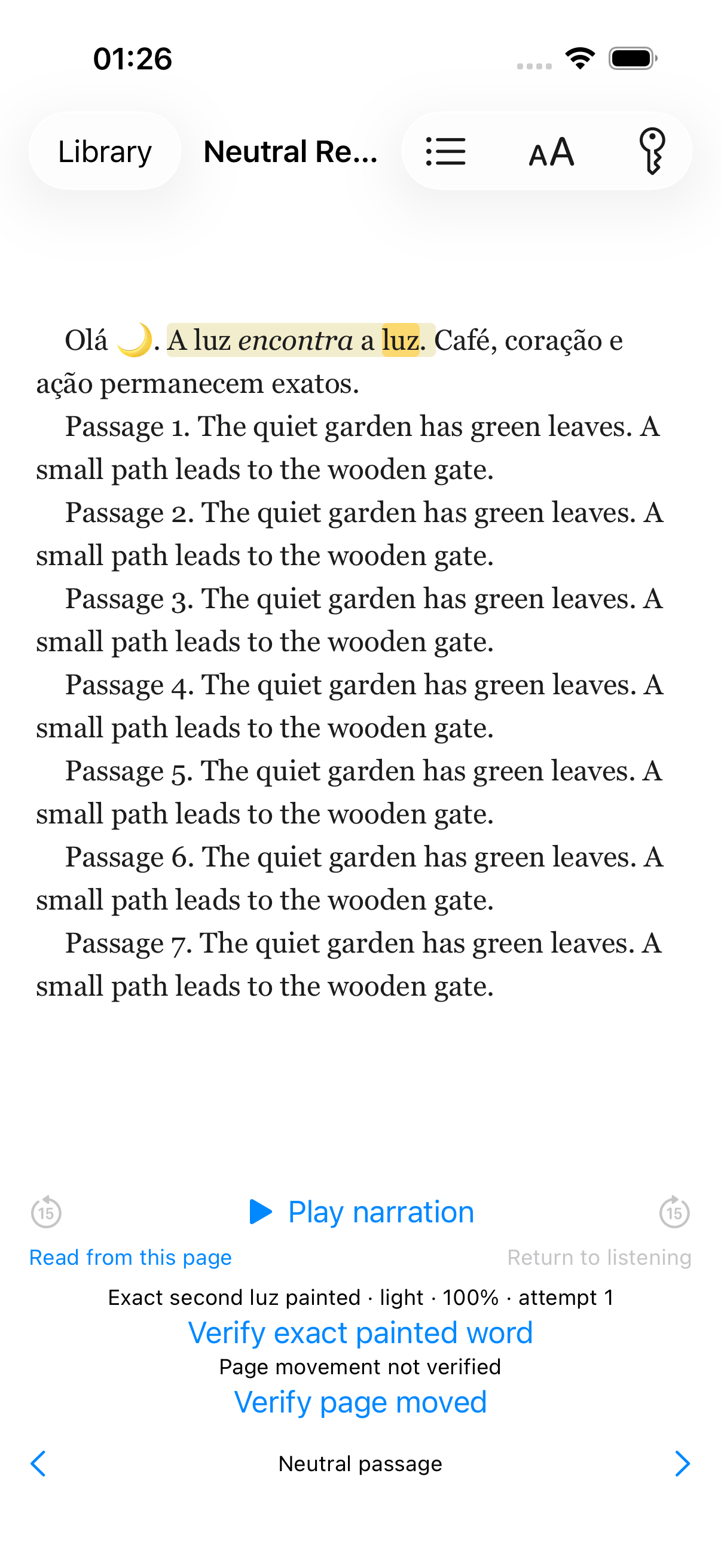
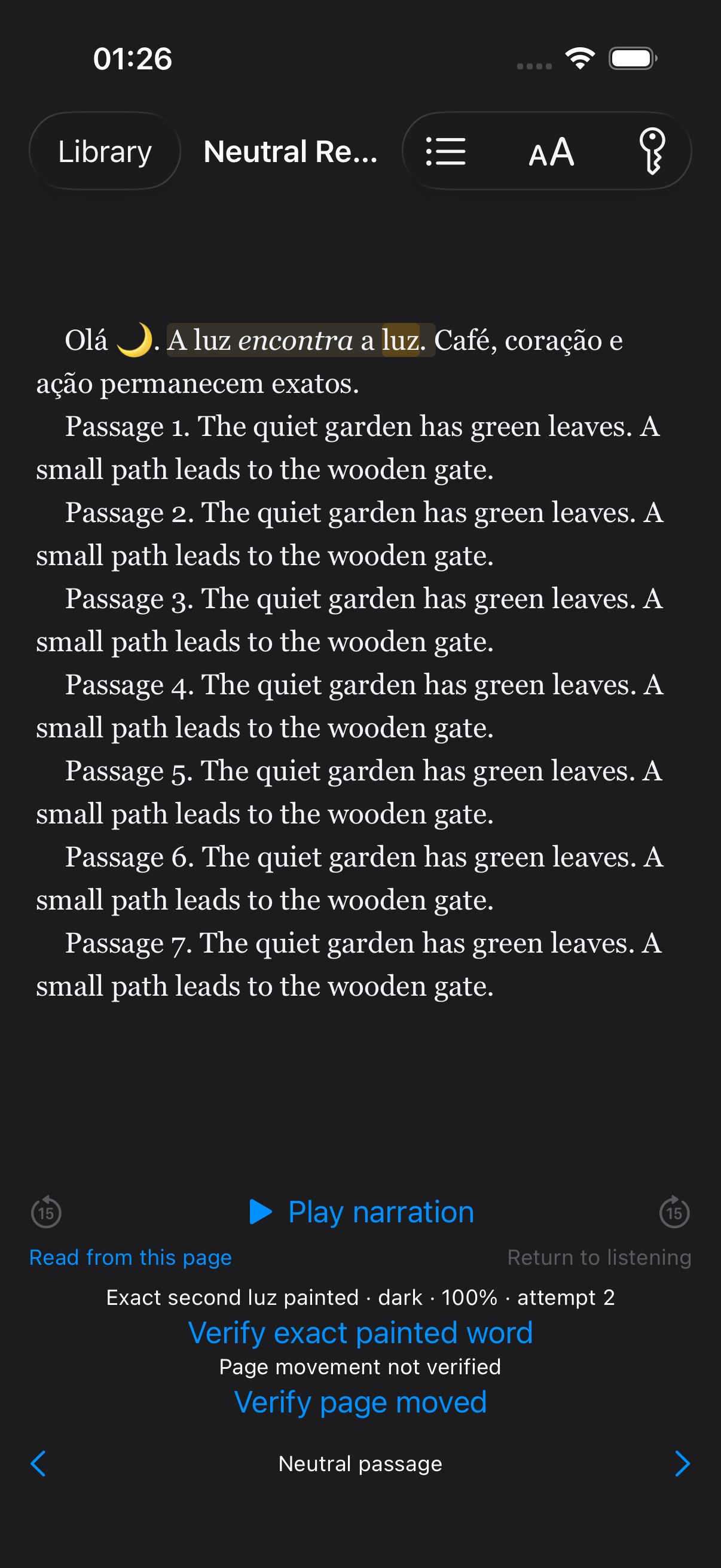
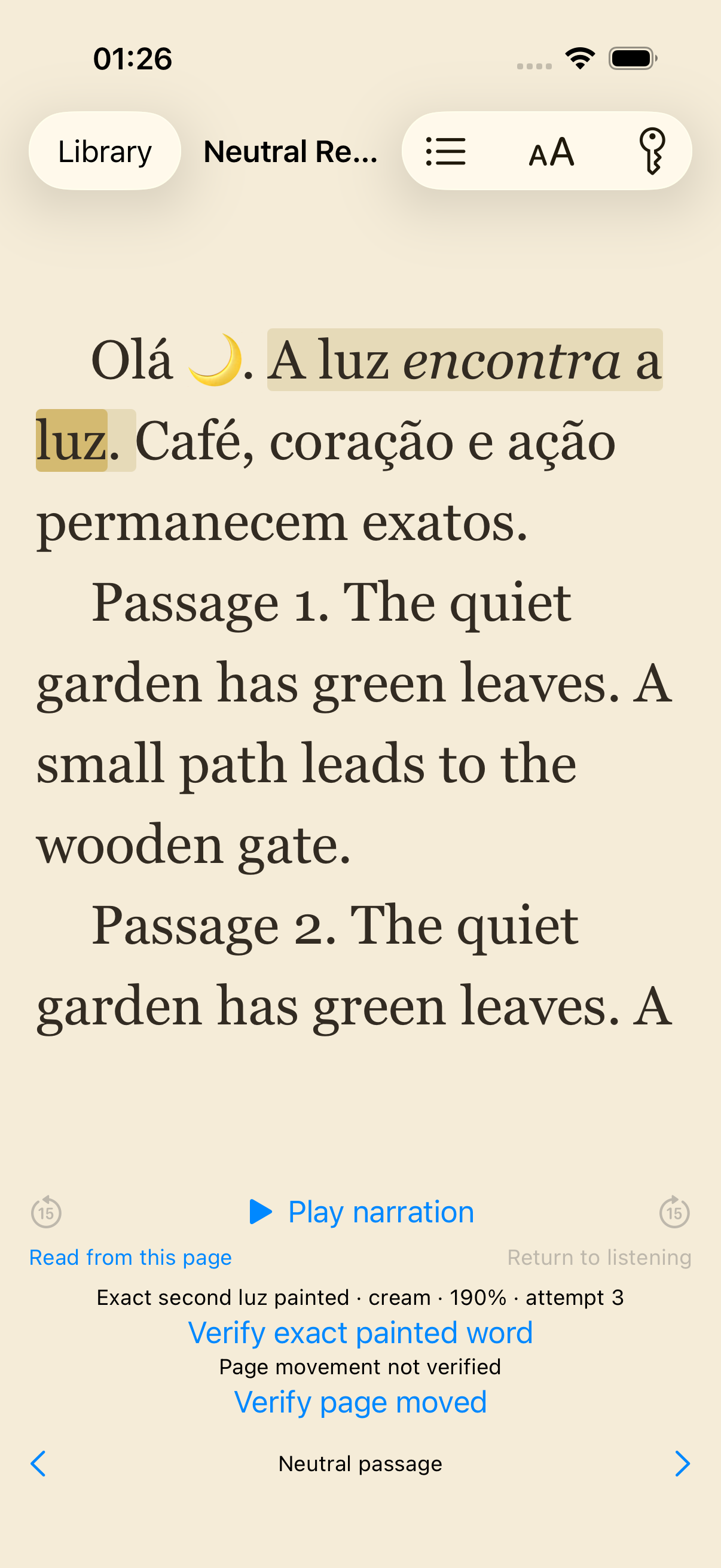
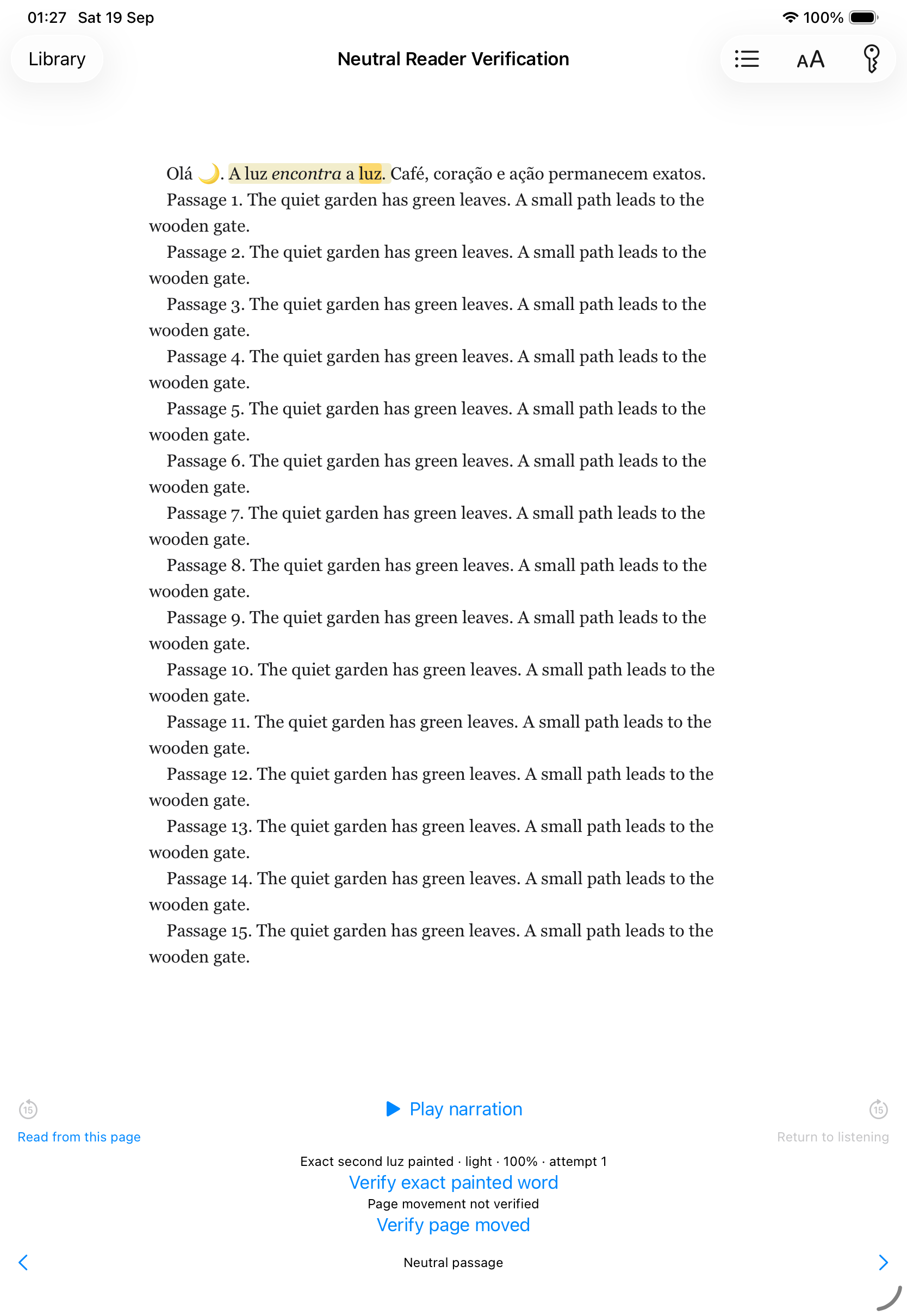
A quieter page, on iPhone and iPad.